On this page
Key takeaways
- A school ERP brings admissions, fees, attendance and report cards into one system.
- Campusgenix is built around how Indian schools run — branches, mid-year admissions, concessions and exam cycles.
- Start with the module that wastes the most hours, usually fees or admissions.
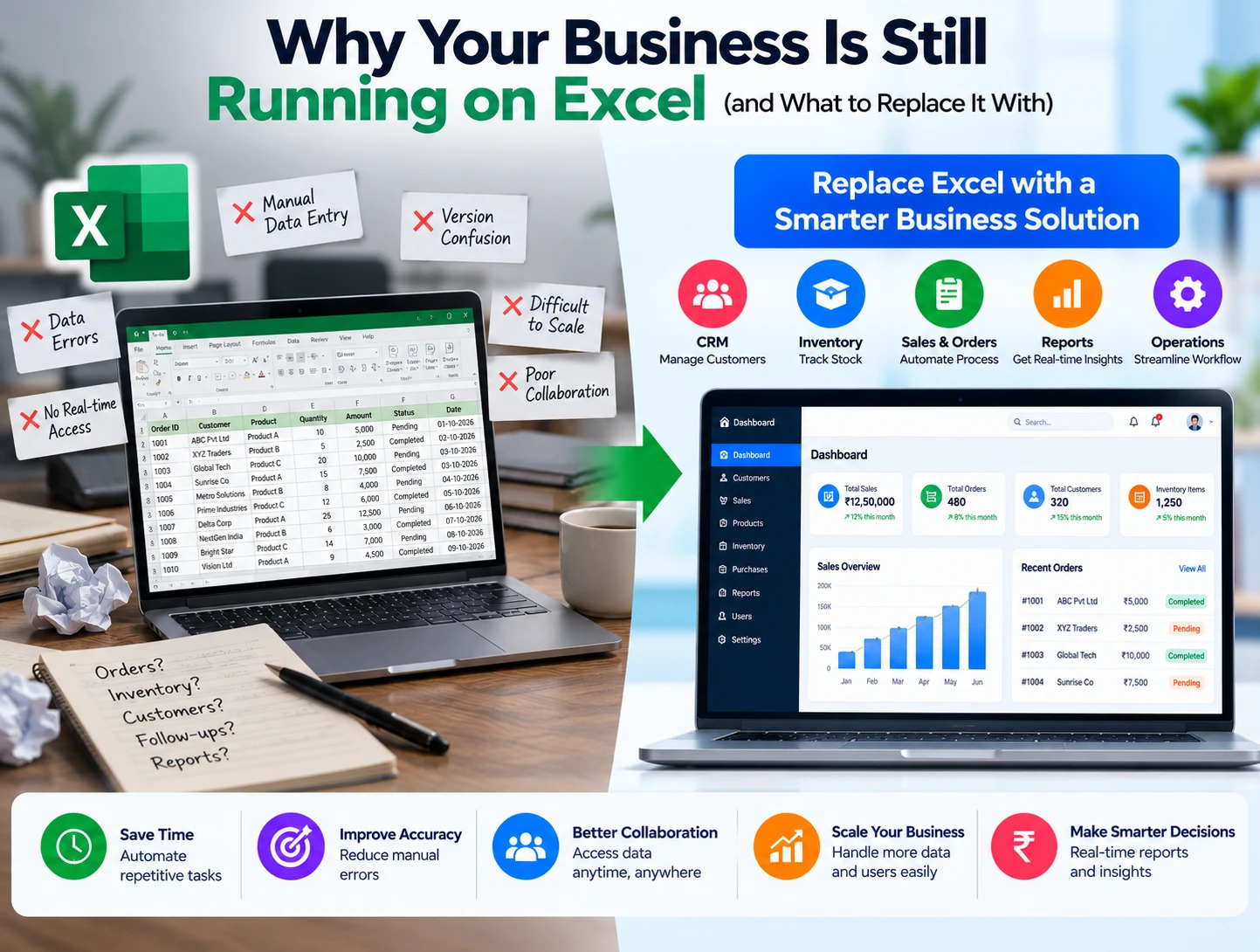
Every school runs on routines: admissions in April, fee deadlines monthly, attendance every morning, report cards twice a year. When each routine depends on registers, paper forms and WhatsApp groups, the admin office turns into a firefighting station.
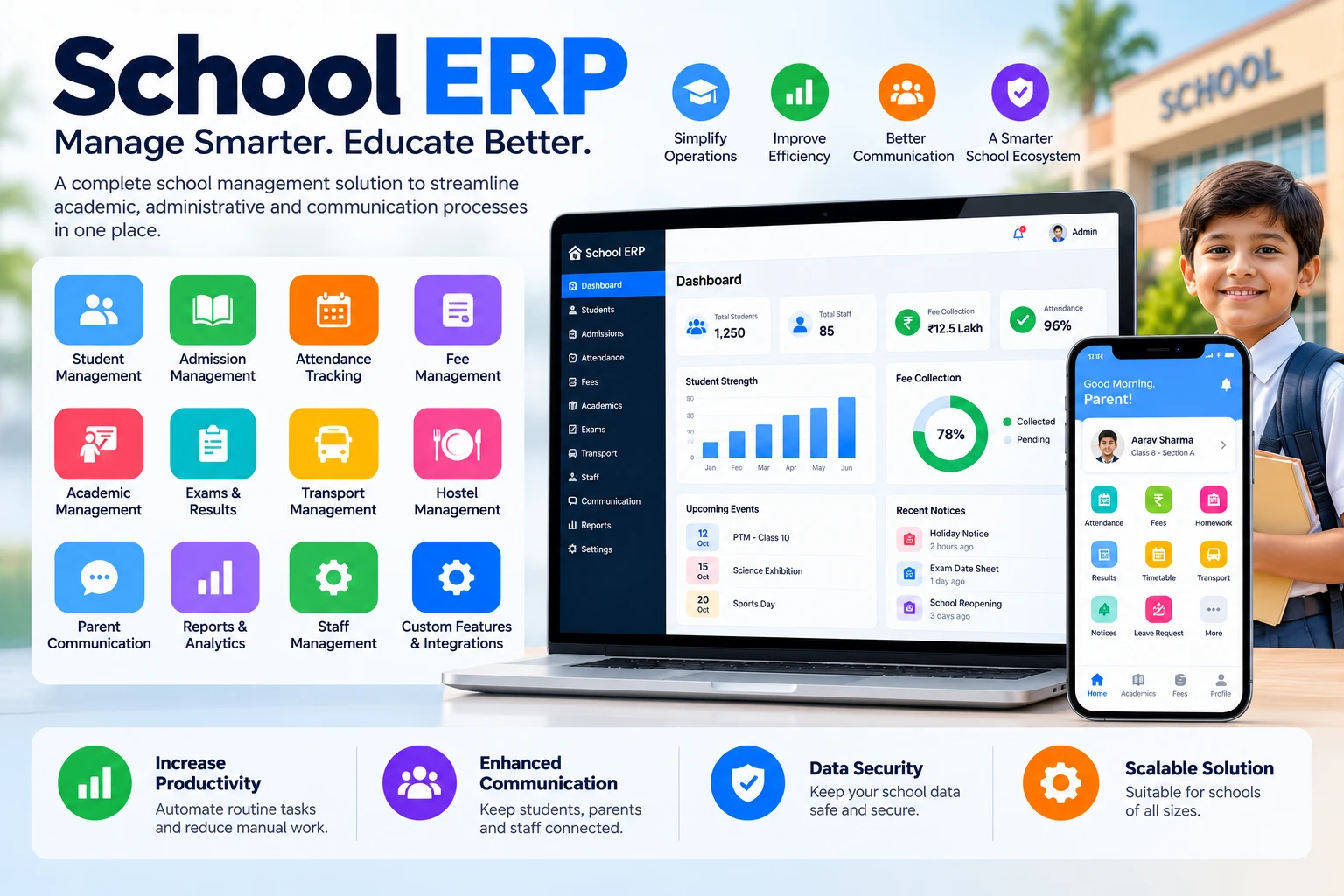
A school ERP puts all of it in one place. Kaamcube built Campusgenix — a cloud ERP and school management system — to do exactly that for schools and coaching institutes.
#What a school ERP actually automates
- Admissions: application forms online, document uploads, fee submission and seat confirmation without queueing at the office.
- Fee management: fee structures, discounts, online payment links, instant receipts and automatic reminders for dues.
- Attendance & academic records: daily attendance captured on the way in, mapped straight to reports.
- Report cards & parent communication: progress reports generated automatically; parents get updates without staff chasing phone calls.
The effect is visible quickly: office staff stop duplicating entries, parents stop calling about fee receipts, and principals finally see a single, trustworthy picture of the school's numbers.
#Why schools choose a custom ERP over off-the-shelf software
Generic school software forces your processes to change. Campusgenix was built the other way: modules mirror how Indian schools actually operate — multiple branches, mid-year admissions, fee concessions, exam cycles — and it can be extended when a school introduces a new rule.
It's also designed for the people who use it daily — clerks, teachers and parents — not just the IT department. That's why adoption is fast: the interface speaks the language of the office, not of a software manual.
Office staff stop duplicating entries, parents stop calling about fee receipts, and principals see a single, trustworthy picture.
If your school is still running admissions and fees on Excel and paper, you don't need to digitise everything overnight. Start with the module that wastes the most hours — usually fees or admissions — and grow from there. Read the Campusgenix case study for the full story, or ask us for a live walkthrough.
Pick the first module
Choose the routine that eats the most staff time — usually fees or admissions.
Bring your data in
Student lists, classes and fee structures are set up so the system mirrors your school.
Train the office and teachers
Short, hands-on sessions for the people who use it every day.
Grow module by module
Add attendance, report cards and parent communication when you're ready.
Frequently asked questions
Does Campusgenix work for coaching institutes?
Yes. It was built for both schools and coaching institutes, with modules for admissions, fees, attendance and academic records.
Can it handle multiple branches?
Yes. Campusgenix supports multi-branch schools, so management sees every branch while each office runs its own day.
Can parents pay fees online?
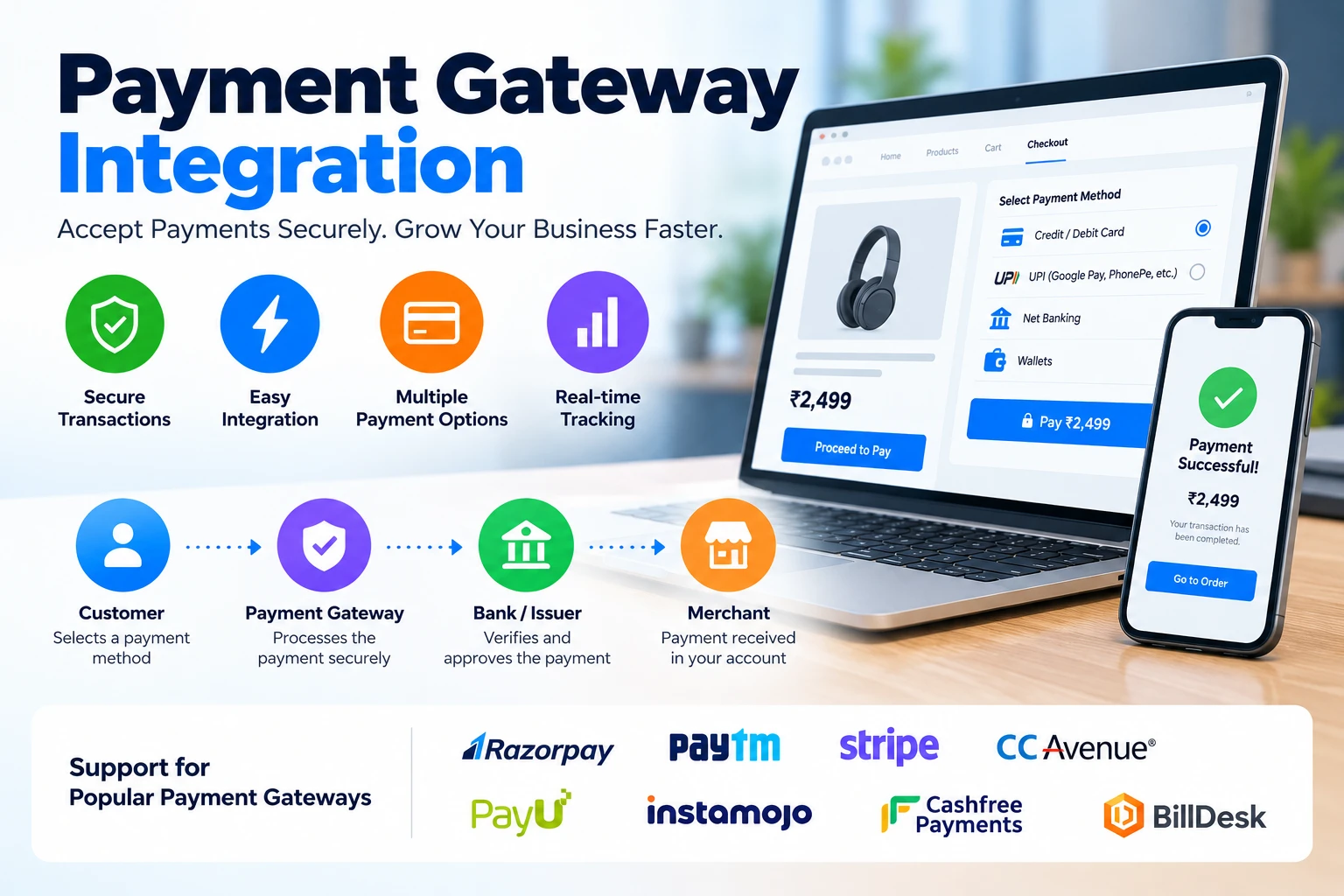
Yes. Parents get online payment links and instant receipts, and the system sends automatic reminders for dues.