On this page
Key takeaways
- WordPress is a content management system. WooCommerce adds online-store functionality to WordPress.
- Compare complete solutions: the theme, extensions, hosting, integrations and maintenance all affect the result.
- Choose a custom build when defined requirements justify the additional development and support responsibilities.
Choosing a platform starts with what your website must do. A company publishing services and collecting enquiries has different requirements from a retailer managing orders, returns and warehouse stock. The right brief makes those differences clear before development begins.
This guide compares three approaches without assuming that a larger catalogue automatically requires a custom build. The important questions concern your workflows, integration needs, operating team and the cost of maintaining the complete solution.
Understand the platform differences
WordPress: the publishing foundation
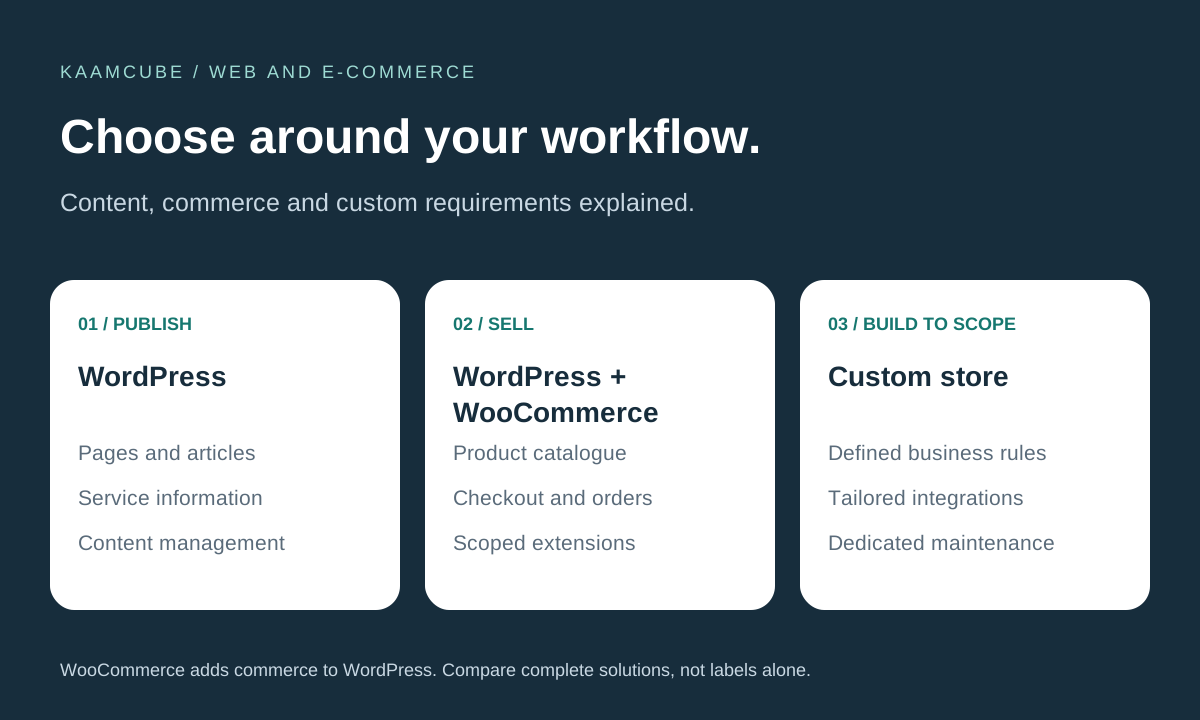
WordPress provides a content management foundation for pages, articles and other website content. Themes and plugins shape the experience. A service business can use it to explain its work, publish resources and direct visitors to enquiry forms. See the official WordPress overview for background.
WooCommerce: commerce on WordPress
WooCommerce adds commerce to a WordPress site, including products, checkout and order management. Extensions and custom development can address additional requirements. It is not a separate replacement for WordPress, nor is it inherently limited to a small catalogue. The official WooCommerce listing describes its extensibility.
Custom store: development around an agreed scope
A custom store gives the delivery team responsibility for building the agreed shopping and administration workflows. That can be useful for distinctive pricing rules, operational processes or integrations. Flexibility still depends on architecture, budget, testing and the team available to maintain the system.
| Approach | Starting point | What to assess |
|---|---|---|
| WordPress site | Publishing and content management | Editing needs, forms, theme quality and maintenance responsibilities |
| WordPress + WooCommerce | Content and store functionality together | Product rules, extension compatibility, checkout and hosting capacity |
| Custom store | Individually specified customer and staff workflows | Development scope, operational tools, documentation and ongoing support |
Choose using real business scenarios
- Describe the sale: can customers buy a standard product, configure a bundle, request a quote or place a trade order?
- Define pricing: identify discounts, customer-specific rates, approval requirements and exceptions.
- Map fulfilment: explain stock locations, shipping rules, collection, cancellations and returns.
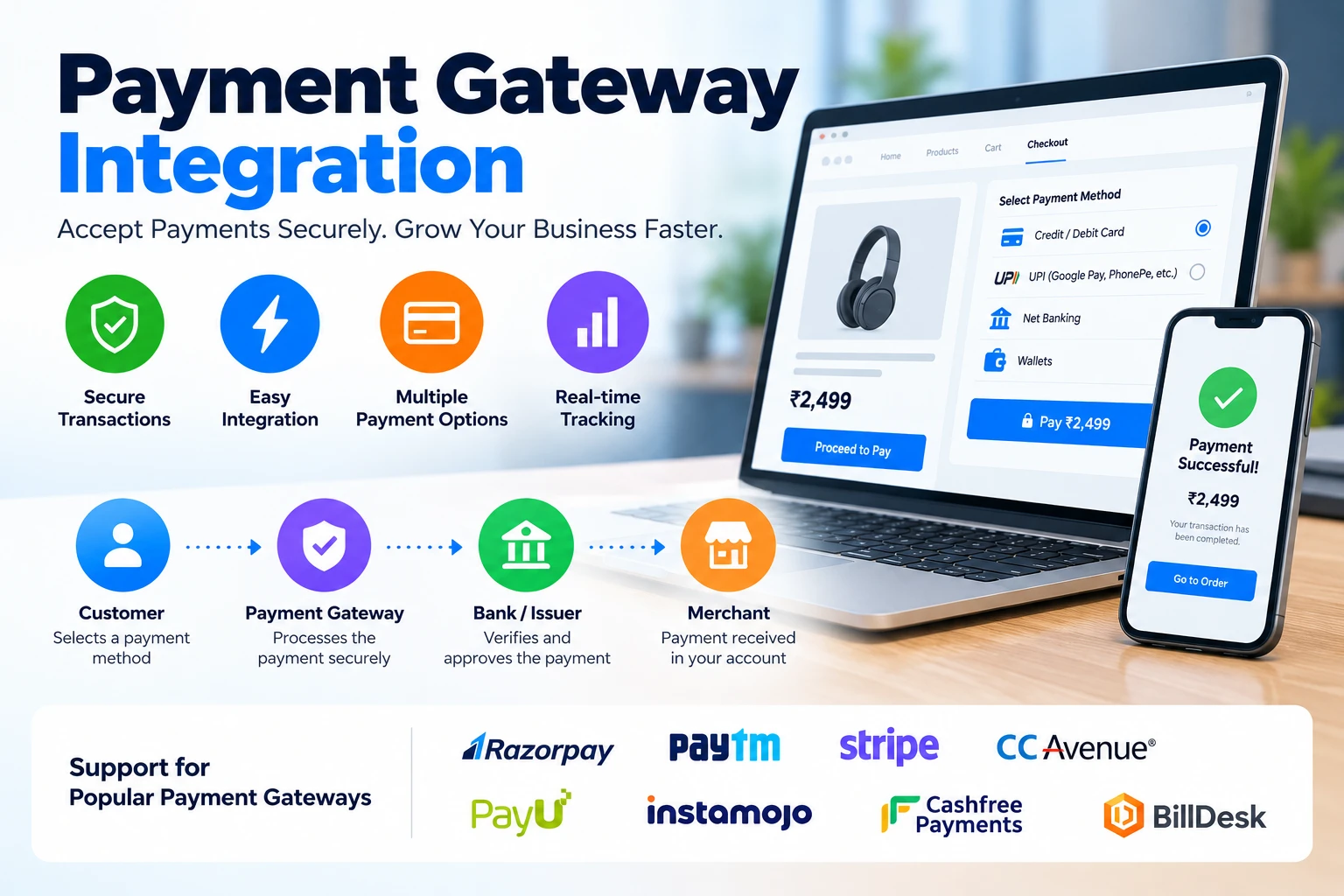
- List integrations: identify payment, courier, accounting and inventory systems, including available interfaces.
- Plan administration: decide who updates products, handles refunds, manages customers and produces reports.
Ask each proposed supplier to demonstrate the same scenarios. For example, test a product with variants, a failed payment, a partial refund and an out-of-stock item. A proposal should identify which requirements are covered by configuration, extensions or new code.
A store with unusual approval rules may benefit from custom work, but that work could also be an extension to an existing platform. Assess the actual gap before committing to a rebuild. A hosted commerce platform can be another option if its operating model and limitations fit your requirements.
Compare the total cost and maintenance
Include design, product setup, content, data import, payment integration, testing and training in the initial budget. Then list hosting, extension renewals, monitoring, backups, support and future development separately. Free core software does not make the complete store free to operate.
Agree who tests updates, responds to checkout failures and restores service after an incident. Ask for a staging environment and a backup recovery plan. For a custom store, confirm documentation, source-code access and the process another developer would follow to maintain it.
Performance should be tested against representative products, traffic and checkout activity. Avoid promises that a particular platform is always fastest or that another is automatically more secure. Set measurable acceptance checks for the solution being delivered.
Plan migration and launch carefully
When replacing an existing store, inventory products, images, customers, orders and important URLs. Agree what will be migrated, how custom fields will map and which records will remain available in an archive. Test sample imports before moving the complete dataset.
- Document old and new URLs and prepare appropriate redirects for changed pages.
- Verify product options, stock and pricing after import.
- Test checkout, payment confirmation, delivery rules, emails and refunds.
- Confirm analytics and contact channels work on the live domain.
- Agree a cutover window, rollback plan and support contact.
Redirects and careful migration can reduce avoidable disruption, but do not guarantee unchanged search rankings. Keep a record of the launch changes and monitor errors and customer enquiries afterwards.
Kaamcube's e-commerce development services cover store planning and implementation. Explore our website development and API integration services, or share your catalogue and workflows to discuss a suitable scope.
Frequently asked questions
Is WooCommerce different from WordPress?
WordPress is the content management foundation. WooCommerce adds commerce features to a WordPress site, so they are commonly used together.
Do more products mean we need a custom store?
Product count alone is not enough to decide. Evaluate product rules, integrations, traffic, operational workflows and the proposed hosting and architecture.
Is a custom store always better?
No. A custom build should address specific requirements and come with a realistic maintenance plan. Compare the proposed workflow with what existing platforms can provide.
Can we migrate an existing store later?
Migration can be planned, but the work depends on available exports, custom fields, integrations and the target system. Test data mapping and changed URLs before switching.
What should an e-commerce quote include?
Ask for design, catalogue setup, integrations, migration, testing and training, with hosting, licences, renewals and ongoing support clearly identified.
Can payment and shipping tools be connected?
Yes, where the required provider support or interfaces are available. Define supported methods, payment confirmation, shipping rules, returns and exception handling in the scope.